
Self-Managed Analytics turns off every analytics tag HomeRunner would otherwise inject on its own, while every booking event still flows into your page’s dataLayer for your own Google Tag Manager or GA4 setup to pick up.
What it does #
Some operators, or their agency, already run their own Google Tag Manager or GA4 setup on a property site, installed independently of HomeRunner. In that case, HomeRunner’s own analytics tag can keep loading anyway, either duplicating events in your reports or leaving two containers fighting over the same page.
Self-Managed Analytics settles that by removing every renderer that would inject a HomeRunner-owned analytics container, from the core HomeRunner Plugin and from Toolkit alike, so nothing but your own snippet is in charge of tracking on the site. It does not touch the booking data itself:
- Every booking event the component produces, such as a guest viewing a property, getting a quote, starting checkout, or completing a reservation, still pushes into
window.dataLayeras before, so your own container has the same events available to read. - It makes sure
window.dataLayerexists (and, unless your own snippet already defines one, a basicgtag()function) before any of those events fire, so your container never misses one just because it loaded a moment later than expected. - No HomeRunner-branded script tag, pixel, or config call is added to the page. Your own tag setup is the only thing running.
If you also use Toolkit’s Conversion Tracking, Self-Managed Analytics takes priority: its own fallback analytics tag stays off too, even if you have not explicitly turned that setting off in Conversion Tracking’s panel.
How to turn it on #
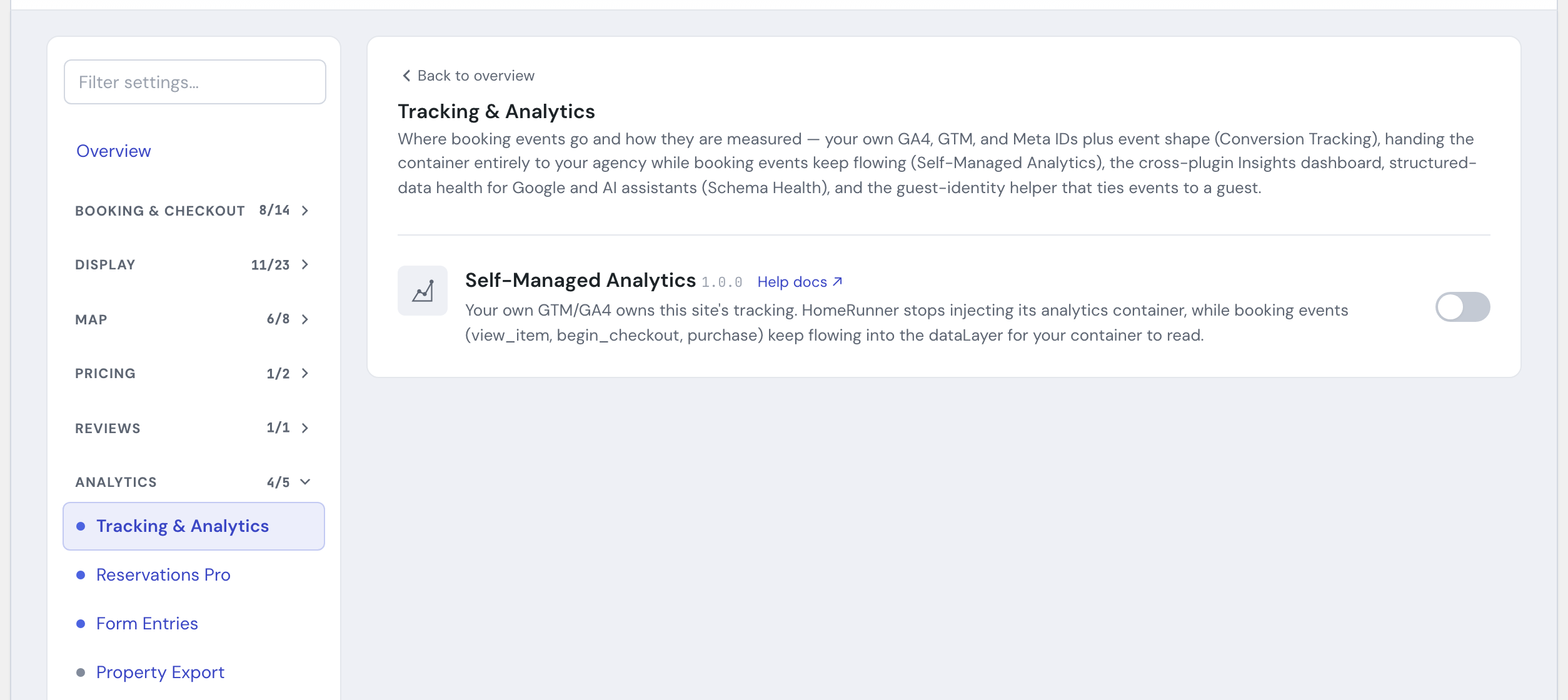
1. Switch on the module #
In the HomeRunner Toolkit Hub, switch on Self-Managed Analytics.
2. Point your own container at the booking events #
Your GTM container or GA4 property should already be installed on the site the way you normally install it. Once this module is on, it can read the same booking events HomeRunner’s own tag used to read, straight from window.dataLayer.
3. Nothing else to configure #
There are no further settings. The module takes effect immediately for every page on the site.
Settings #
| Setting | What it controls |
|---|---|
| Self-Managed Analytics toggle | Turns the module on for this site. There is nothing else to set: once on, HomeRunner stops injecting its own analytics container and booking events keep flowing into the dataLayer for your own container to use. |
Tips #
- If your GA4 or GTM IDs are entered into Toolkit’s Conversion Tracking settings panel, you likely do not need this module. Conversion Tracking already routes HomeRunner’s tracking to your own accounts and cleans up the underlying events. Self-Managed Analytics is for the separate case where your own container is installed on the site independently of that panel.
- Turning this on with Conversion Tracking also on is safe: Self-Managed Analytics wins, and no HomeRunner-owned tag loads either way.
- For the full list of Toolkit features, see the Toolkit Overview.