
Builds a fresh, ranked list of the places your properties are in, from your own location, city, and state data, and keeps it current on a daily schedule.
What it does #
Destination Index builds and maintains a list of the places your properties are in, drawn straight from your existing property categories (locations, cities, and states). It refreshes itself daily, so when you add new properties or new areas, the list keeps up without any manual work. Destinations are ranked by how many properties you have there, so your most-represented places rank first.
Each destination also carries an average map location, worked out from the properties in it. Properties synced from your PMS already have their coordinates saved, so this happens automatically; a manually added property without a saved location just is not counted toward that average. That location is what lets Searchbar Pro‘s Nearby option find the closest destination to a guest, so turning this module on is worth doing even if you are not using its list anywhere directly yet.
This is otherwise a supporting, behind-the-scenes module. Turning it on does not change anything guests see by itself: it does not add a component or an on-page element on its own. Its job is to keep a clean, current destination list, with location data, ready for other tools to use.
How to turn it on #
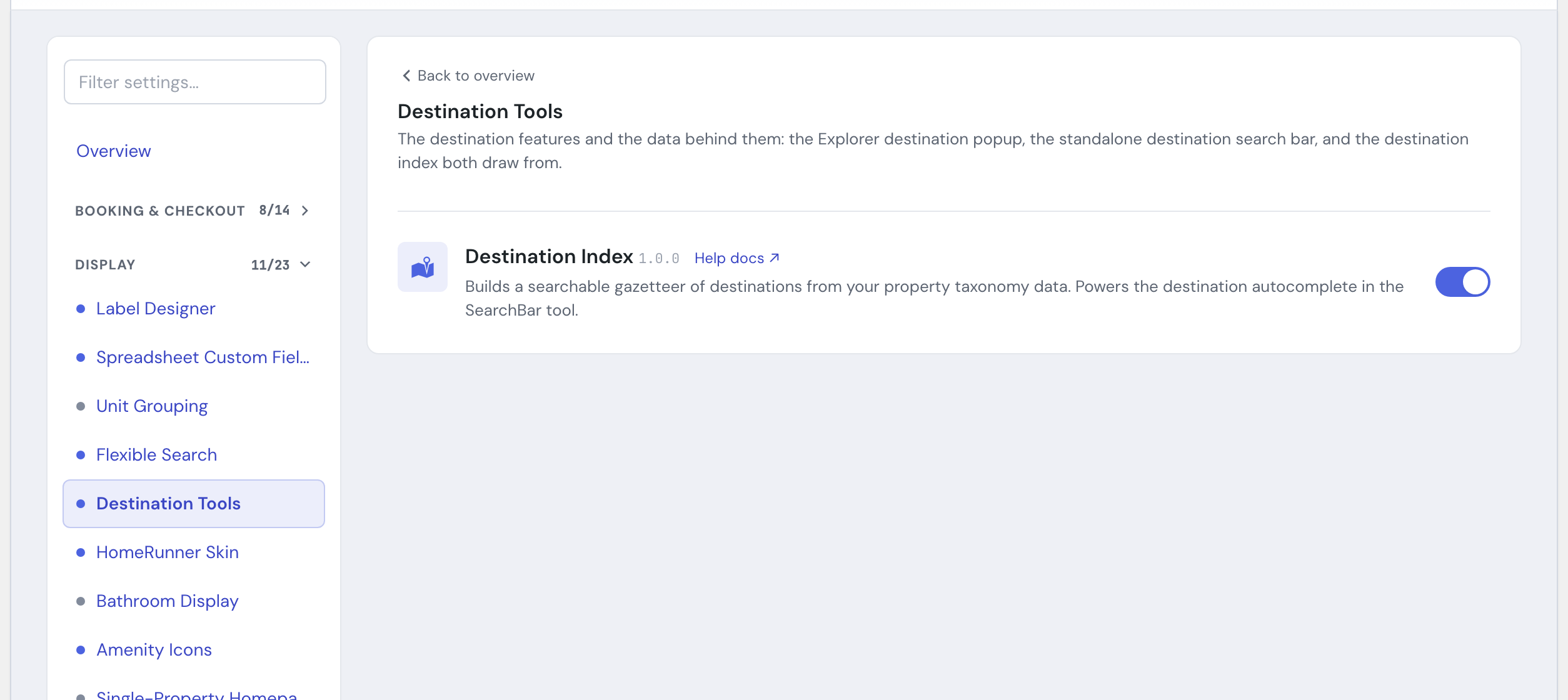
1. Enable the module #
In the HomeRunner Toolkit Hub, switch on Destination Index.
That is all that is required for normal use. The list installs itself, builds for the first time, and then refreshes daily on its own.
2. (Optional) Rebuild on demand #
The Destination Index panel shows:
- when the list was last refreshed
- the total number of destinations currently in the list
- a preview of the top destinations by popularity
- a Reindex now button to rebuild the list immediately (handy right after a big batch of new properties)
Settings #
There are no styling or display settings. This module manages data, not appearance. The controls are limited to viewing status and triggering a manual rebuild.
Tips #
- If you just imported a new region’s worth of properties and want the list current right away rather than waiting for the nightly refresh, open the panel and click Reindex now.
- Because the list comes from your real property categories, the cleaner and more consistent your location/city/state naming is, the better the resulting destination list reads.
- Running Searchbar Pro? Turn this module on too so its Nearby option has a destination list, with real locations, to match guests against.