
Search Demand Sync sends the dates, guest counts, and filters guests search for on your site to HomeRunner Central every hour, so you can see search demand alongside your actual bookings.
What it does #
Your booking data only shows what guests actually reserved. It does not show what they searched for and could not book, whether that is dates you did not have available, a property type you do not list, or a price range nobody could match. Search Demand Sync closes that gap by forwarding every search your site’s search bar already logs to HomeRunner Central, so search activity can be reported against your bookings instead of guessed at.
Each search record includes:
- The check-in and check-out dates searched
- Guest, child, and pet counts, and any bedroom or bathroom count requested
- Any keywords, price range, and sort order used
- Any city, property type, amenity, location, or group filters applied
- The IP address the search came from
Nothing changes for the guest and nothing changes on the page. This runs quietly in the background as a feed for your reporting.
How to turn it on #
1. Confirm search logging is on #
In the HomeRunner Plugin’s Addon Settings, check that Enable Explorer Search Log is checked. Most sites already have this on by default. If it is off, your site is not logging searches at all, so there is nothing for Search Demand Sync to send.
2. Switch on the module #
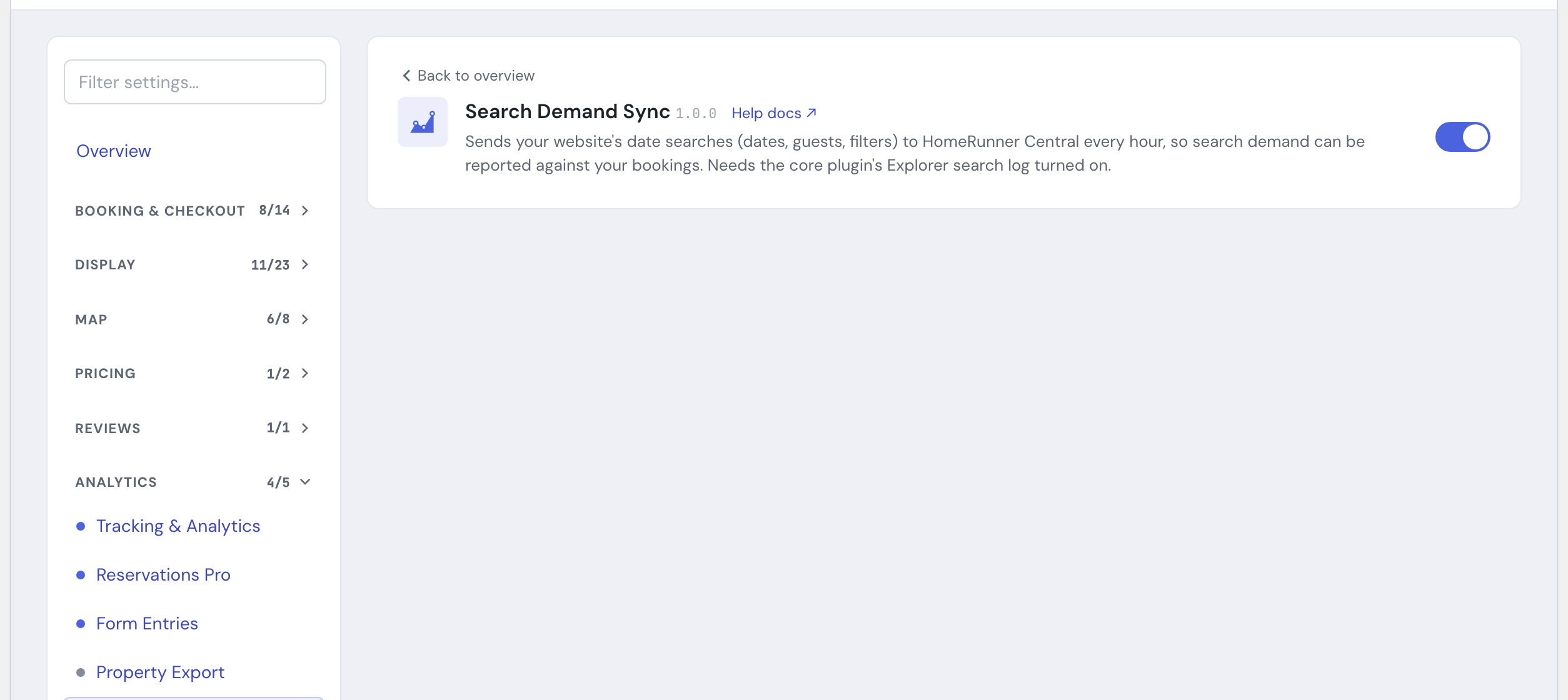
In the HomeRunner Toolkit Hub, under Analytics, switch on Search Demand Sync.
3. Nothing else to configure #
There are no further settings. Once both are on, searches already being logged start flowing to Central automatically, roughly once an hour. If there is a backlog, for example because the module was off for a while, it catches up faster than once an hour until the backlog clears.
Settings #
| Setting | What it controls |
|---|---|
| Search Demand Sync toggle (HomeRunner Toolkit Hub) | Turns the hourly sync to HomeRunner Central on or off for this site. There is no separate configuration screen. |
| Enable Explorer Search Log (HomeRunner Plugin > Addon Settings) | Controls whether your site records search activity at all. Search Demand Sync only forwards what is already being logged here, so this must be checked for the sync to send anything. |
Tips #
- If you turn the module on and nothing seems to be syncing, check Enable Explorer Search Log in Addon Settings first. That is the most common reason the feed stays empty.
- This uses your site’s existing connection to HomeRunner Central. It needs no separate account setup on your end.
- Search Demand Sync is separate from Conversion Tracking: it reports search demand into your HomeRunner reporting, not into your own GA4, Google Tag Manager, or Meta Pixel accounts.
- For the full list of Toolkit modules, see the Toolkit Overview.