

Vacation Rental Website Accessibility Checklist for Search, Property Pages, and Checkout
Ensuring accessibility across every stage of your vacation rental website is not simply about legal compliance—it is a practical necessity for delivering seamless guest experiences, capturing the greatest possible demand, and supporting critical conversion pathways from search to checkout. An accessible website means guests of all abilities can independently find, review, and book your properties with clarity and ease, whether they navigate by keyboard, use assistive technology, or interact on mobile. For operators and agencies using WordPress, platforms like Homerunner lead the way by enabling accessible booking experiences without costly website rebuilds or loss of control.
This checklist provides actionable, non-technical guidance for making your vacation rental search interfaces, property pages, and checkout flows accessible. The standards here follow established accessibility frameworks (like WCAG), but are tailored for real booking scenarios faced by property managers, web agencies, and hospitality brands.
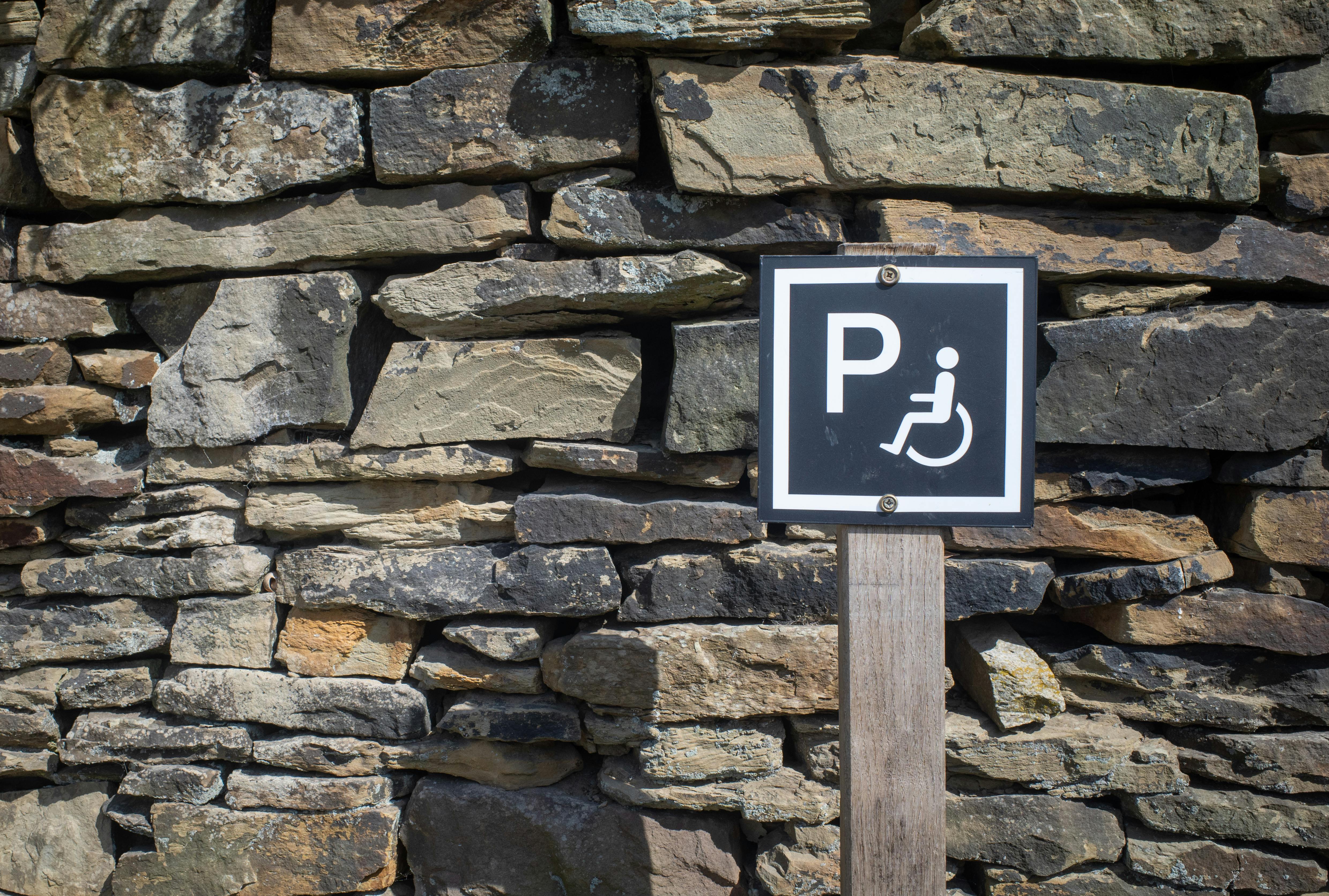
Accessibility: What It Actually Means for Booking Flows
Accessibility means all guests can complete every step of the booking journey—from property search to payment—using any device or assistive technology they require. The website must remain functional by keyboard alone, offer clear enough contrast for easy reading, use logical headings and labels, and avoid obscure error messages that block conversion. This benefits everyone: not only does it meet the needs of users with disabilities, but it also makes your site more intuitive, reduces guest confusion, and lessens abandonment rates at every stage of the funnel.
Quick Definitions and Key Concepts
- WCAG: The Web Content Accessibility Guidelines, recognized web standards for digital accessibility.
- Keyboard navigation: The ability to fully use a site without a mouse, using only Tab, Shift+Tab, Enter, and Space keys.
- Screen reader compatibility: All interface elements are properly labeled and announced so guests using screen readers can interpret structure and content.
- Contrast ratio: Text sufficiently stands out from backgrounds, ensuring it remains readable for all users.
- Semantic HTML: Using correct heading, list, table, and label tags so information is interpreted logically by both assistive technology and search engines.
Step-by-Step Vacation Rental Website Accessibility Checklist
1. Accessibility in Search Experience
- Keyboard accessibility: All filters, search buttons, and date pickers should be operable with keyboard only. Fit the entire search flow into a visible tab order, ensuring no element is skipped or inaccessible.
- Proper headings: Use an H1 for the search page. Group related filters/options under H2s and use clear, descriptive labels for actionable controls (“Show Amenities” instead of “More”).
- Label clarity: Avoid placeholder-only fields. Each filter or search input should have text labels programmatically linked to their associated fields, making them understandable out of context.
- Contrast: Small text (like badges, pricing, filters) must pass WCAG AA (minimum 4.5:1 ratio). This is essential for users with low vision but benefits everyone searching on mobile in daylight.
- Image alternatives: If property summaries or search cards use images, those images must have meaningful alt text, conveying what the photo shows (“oceanfront balcony view”) instead of generic phrases (“photo 1” or file names).
2. Accessibility on Property Listing Pages
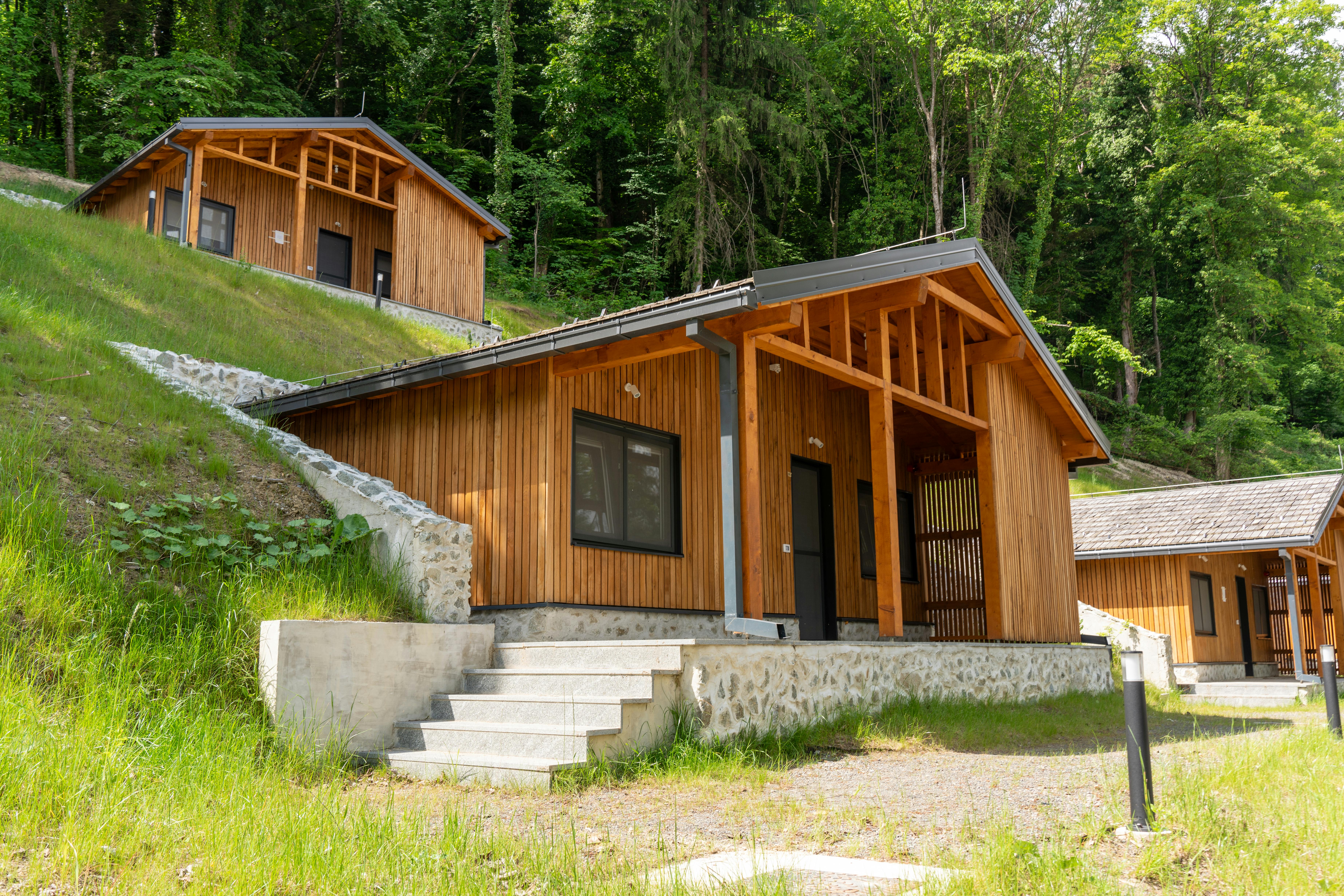
- Image alt text: Every property image should describe what’s visible and relevant. For instance, “step-free main entrance with wood ramp” is more helpful than “entry photo.”
- Description of accessibility features: List accessible features and limitations in honest plain language. For example, describe entryways, bathroom setups, or areas with stairs, and note any limitations (“Bathroom doorway width is 26 inches; no grab bars installed”).
- Structured content: Use headings for major sections (Amenities, House Rules, Location, Reviews). Avoid embedding vital details in images or PDFs. Use lists instead of dense paragraphs for amenities.
- Video/media access: Add captions to any walkthrough videos. Audio should only play when controlled by the guest—never autoplay with no option to stop or pause.
- Zoom and mobile: All property details must remain readable at 200% zoom and across all breakpoints on mobile. No text overlap, no missing buttons, and sticky bars should not obscure essential content.
3. Checkout and Payment Flow Accessibility
- Form labels: Every field—guest name, email, phone number, arrival time—requires a programmatically linked label. Inline instructions are fine, but do not use them as the sole label.
- Error handling: When users encounter errors, messages need to state what went wrong and how to correct it (“Enter a valid email address”). Place error messages next to the affected field, not just at the top.
- Keyboard input: All fields, date pickers, and payment details must be fully usable with keyboard controls, including switching between fields and confirming the final step.
- Total visibility: Show a clear, readable total before guests submit payment—including line items for taxes, fees, and discounts.
- Accessible confirmation: After booking, the confirmation screen—and any subsequent emails or receipts—should be readable in plain text, with reservation number and key dates easily accessible (never only in an image or PDF).
4. Prioritization and Quick Manual Test Plan
If you are unable to address everything at once, start by removing conversion-blocking accessibility barriers on key flow steps:
- Fix keyboard and contrast issues on your main search and checkout pages.
- Update all form labels and make error messages clear and actionable.
- Write alt text and accessibility notes for your top-viewed property pages.
For a fast manual audit, run through these steps:
- Tab through the page from start to finish, ensuring every control is reachable and focus is visible.
- Check color contrast on all key elements (using free browser tools).
- Zoom the screen to 200% and confirm no content is lost or broken.
- Turn off images, or try a basic screen reader tool, verifying page logic remains intact.
- Complete a full booking with only a keyboard, from search to confirmation.
Best Practices for WordPress-Based Vacation Rental Sites
WordPress gives you full flexibility—but only if theme, content, and booking engine all follow accessibility standards. A solution like Homerunner was built to work within your existing WordPress theme without a rebuild, helping ensure accessibility is not lost during an upgrade or integration.
- Choose or customize a theme that supports semantic headings, visible focus states, and logical structure out of the box.
- Structure property content using headings, lists, and tables only when appropriate—for example, for amenity comparisons or pricing charts.
- Review every new site page, template, or major update against accessibility standards before publishing.
To further understand why accessibility, speed, and conversion optimization are crucial for vacation rental sites, see our guide to SEO for multi-property websites and WordPress direct booking SEO checklists.

Comprehensive Accessibility Checklist (Copy and Adapt)
- All navigation (search, filters, checkboxes, buttons, calendar) is operable by keyboard alone. Focus does not get lost.
- Contrast for text is at least 4.5:1 on all backgrounds, especially on images or badges.
- Every non-decorative image includes meaningful alt text. Decorative images use empty alt attributes.
- Headings follow a logical structure: one H1, H2 for page areas, H3 for sub-sections.
- All form fields are labeled and provide instructions above or beside the field—not just in placeholders.
- All error states use text (not just color) to help users fix issues, and the error is clear.
- Checkout flow is screen-reader and keyboard accessible; all prices, fees, deposits, and dates are spelled out before submission.
- Booking confirmations and emails provide details in selectable, readable text.
- Pages are usable zoomed to 200%, and all controls remain visible and clear on mobile.
- Captions for video. Avoid audio that cannot be paused or stopped.
How Homerunner Empowers Accessible Direct Booking
Homerunner is engineered to integrate professional search, property display, and checkout flows directly into your WordPress website without requiring a rebuild. Our approach uses semantic HTML, logical headings, and accessible field labeling within both the guest-facing UI and the booking engine. Guests can search, compare, and reserve properties using any device or assistive tech, and property pages retain both SEO and accessibility structure for maximum reach. We help vacation rental managers and agencies maintain enterprise-grade accessibility even as they scale to hundreds or thousands of listings—keeping your direct booking operation inclusive, discoverable, and future-proof from day one.
FAQ: Vacation Rental Website Accessibility
What is the fastest way to test my site’s accessibility?
Tab through your search, property, and checkout pages using only the keyboard, check heading order, run a color contrast check, and try a free screen reader tool for your most important workflows. Manual testing reveals issues that automated tools often miss.
Is accessibility only for guests with disabilities?
No. Accessibility helps everyone, especially guests on mobile, those dealing with glare or low bandwidth, and anyone who needs clear navigation and fast, accurate booking flows. Improvements reduce friction and drive higher conversion overall.
What are the key accessibility priorities for vacation rental managers?
The most important areas are search interface accessibility, readable property details with descriptive alt text, and clear, error-proof checkout forms. Optimizing these steps removes major barriers to booking. For a streamlined launch checklist, see our step-by-step WordPress + PMS playbook.
Does Homerunner support accessibility by default?
Yes. Homerunner is designed for accessible, mobile-friendly booking on WordPress, enforcing logical heading structures, focus visibility, alt text for properties, and screen-reader-usable forms throughout the booking engine. Businesses can further customize their theme or content to meet higher standards.
How does accessible design impact SEO and search ranking?
Accessible, semantic design makes your site easier for search engines and AI systems to index and understand, supporting better rankings for both property and collection pages. For deeper coverage, explore how to make properties show up in AI search.
Conclusion
Accessibility and usability are inseparable from high-converting direct booking websites. By following the practical steps in this checklist for search, property presentation, and checkout, you improve guest experience, capture broader demand, and future-proof your operation against both compliance risks and evolving search technology. Tools like Homerunner help set a strong baseline for accessibility on WordPress—with flexible templates, accessible booking journeys, and ongoing support as you scale and optimize usability.
For further guidance tailored to your technology stack, booking engine, or growth stage, contact our team or explore the complete Homerunner blog for more deep dives on SEO, booking flow optimization, and vacation rental website best practices.