

Automated Check-In Instructions That Reduce Guest Questions and Support Tickets
Automated check-in instructions are an essential tool for vacation rental operators who want to reduce repetitive guest questions and support tickets. When designed with clarity and delivered at the right moments, automated check-in flows address common pain points—removing friction at the most critical stage of every guest’s journey. Businesses leveraging a structured approach, especially with platforms like Homerunner, consistently report smoother arrivals, fewer last-minute calls, and better guest reviews. This guide details the playbook, strategies, and best practices used by leading property managers to create effective, automation-ready check-in instructions that scale with your portfolio.
Definition: What Are Automated Check-In Instructions?
Automated check-in instructions are a series of clear, scheduled messages and digital guides that provide guests with step-by-step arrival, access, and property use information—sent automatically via email, SMS, or booking channel messaging. Their goal is to guide guests seamlessly from travel to door entry, reducing confusion and reactive support needs. Platforms like Homerunner enable property managers to centralize and standardize these instructions, keeping information updated and accessible for both guests and teams.
Why Automated Check-In Instructions Matter
Most guest questions leading up to arrival are predictable and preventable. When instructions are vague, incomplete, or sent too late, guests turn to support for quick answers. This increases operational workload, slows down response time, and can negatively impact the guest experience. A well-crafted, automated check-in process addresses:
- Unclear property addresses, parking, or entry procedures
- Missing or delayed instructions, especially for after-hours arrivals
- Inconsistent delivery across booking channels or direct booking sites
- Manual editing errors and outdated information left in PDFs or email chains
By automating and standardizing check-in instructions using tools connected to your PMS and website, you significantly cut down repetitive tickets, free up staff time, and create a high-trust guest journey from start to finish.
The 6-Part Framework for High-Performing Automated Check-In Instructions
Successful check-in communications rely on clarity, consistency, and timing. Below is the proven six-part structure used by leading operators and enabled through solutions like Homerunner.
1. Pre-Arrival Overview
- Send 3–7 days before arrival, including exact address, map link, parking instructions, check-in/check-out time, emergency contact details, and a link to the digital guide with photos and policies.
2. Arrival and Building Access
- Guide guests from curb to door: step-by-step directions, building or entrance access (codes, fobs, intercom instructions), supported by photos or visual cues.
3. Door Access and Lock Instructions
- Detailed, visual directions for locks—location, code, how to use, and what to do if the primary method fails. Include security notes such as unique codes per stay and expiration timing.
4. First 10 Minutes in the Property
- Key info for immediate comfort: Wi-Fi credentials, light/HVAC operation, location of spare linens, appliance basics (TV, coffee, thermostat) in both digital and print form where relevant.
5. House Rules and Expectations
- Outline quiet hours, visitor policy, parking rules, pet/smoking regulations, and trash/recycling info, woven naturally into the arrival content.
6. Departure and Checkout Steps
- Cover checkout time, steps for key return or lock procedure, simple cleaning tasks, and reminders (e.g. report damages, remove trash).
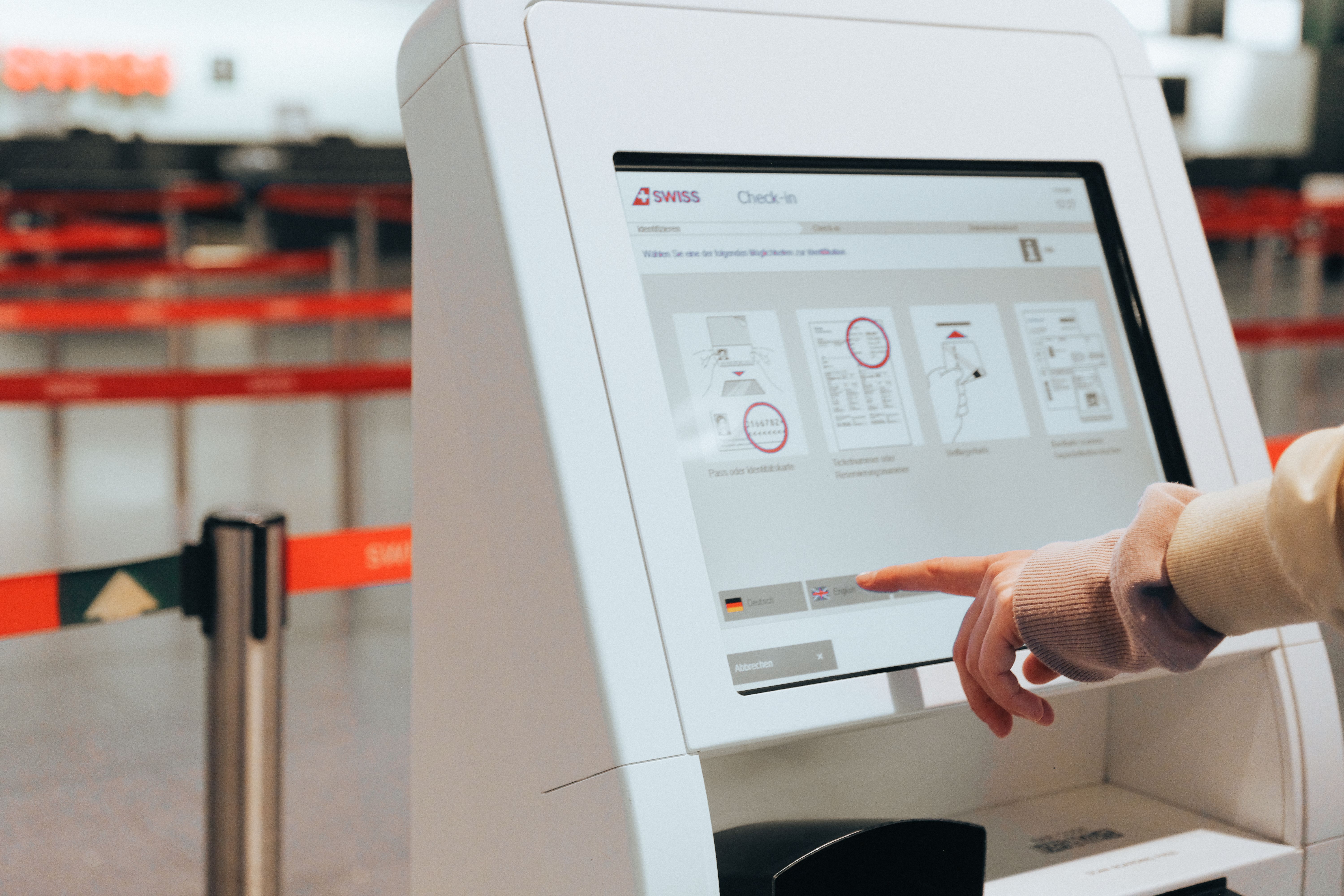
Transitioning to a Digital Welcome Guide
Rather than relying on static PDFs or scattered messages, many businesses build a centralized digital welcome guide. This online document or app hosts all arrival, access, and key stay information in an easy-access format. Digital guides make updates simple; links can be shared repeatedly in automated messages. With platforms like Homerunner connecting property details via real-time PMS sync, you can expose arrival guides and essentials directly on your property pages, supporting both guest experience and SEO growth.
How to Automate Check-In: Timing and Delivery Channels
The success of automated check-in relies as much on message timing as on message content. Most guests do not carefully read the first email or message they receive. Repetition with brevity is essential. Here is a best-practice automation schedule:
- 7 days before arrival: Brief overview—address, check-in time, digital guide link.
- 3 days before arrival: Detailed check-in message—parking details, entry process, support contacts, photos.
- 1 day before arrival: SMS/text or email with the four absolute essentials: address, map link, door code, guide link.
- 2 hours after check-in: Automated post-arrival touchpoint: “How was your arrival? Any questions?”
- 1 day before departure: Automated checkout reminder detailing procedures and flexibility options.
Utilize multiple channels based on guest preference: Email for primary communication, booking platform messages for redundancy, SMS or WhatsApp for urgent arrival/door codes. Always include the guide link for easy retrieval.

Example: Automated Check-In Templates
7-Day Pre-Arrival Email
Subject: Your stay at [Property Name]—Arrival details

Hi [Guest First Name],

We’re excited to welcome you! Here’s what you need for a smooth arrival:
• Address: [Full address with map link]
• Check-in: After [Time], Check-out: Before [Time]
• Parking: [Short summary with permit/garage info]
• 24/7 support: [Phone, SMS, WhatsApp]

Full guide (arrival, Wi-Fi, photos, local tips):
[Guide Link]

Safe travels,
[Host/Brand]
1-Day Pre-Arrival SMS
Hi [First Name]! Reminder: Your check-in at [Property Name] is tomorrow.
Address: [Short address]  Map: [Link]
Parking: [1-sentence summary]
Door code: [Code]
Guide link: [Short URL]
Short, focused reminders like these are read and acted on, especially for late-night arrivals or international guests.
Reducing Support Tickets: Information Architecture Best Practices
1. Standardize Key Data Fields
- Ensure property addresses, access codes, parking info, and Wi-Fi instructions are consistent and up to date across your PMS, website, and digital guide. Platforms like Homerunner sync this data bi-directionally with your PMS for accuracy.
2. Use Clear Visuals for Arrival
- Photos can eliminate the majority of arrival confusion: include building exteriors, parking, entry panels, and door locks at eye level. Host these visuals in your guide and on property pages for repeat reference.
3. Break Information into Short, Scannable Sections
- Bullet points, step-by-step numbered instructions, and bold labels (“Step 1: Park here”) boost comprehension and minimize skipped details. Clarity lowers ticket frequency.
Leveraging AI and Automated Replies
Even with robust instructions, some guests will reach out with unique or repetitive questions. AI-powered co-host systems and automated FAQ bots can instantly resolve many of these, especially when your guide content is well-structured and up to date. Organize guide topics (e.g., parking, locks, appliances) to maximize AI usability. If you use Homerunner, its business intelligence reporting can highlight frequently searched topics, allowing you to proactively update instructions and drive support requests even lower.
Step-by-Step Implementation Checklist
- Audit existing communications. Gather all check-in messages, guides, and review recent guest questions for gaps.
- Centralize with a digital welcome guide. Build a standardized template and ensure each property has unique, complete content with photos and clear sections.
- Automate message scheduling. Set up PMS- or platform-based automation for 7-day, 3-day, 1-day, and post-arrival messages, always including the guide link.
- Add AI/FAQ support tools (if your systems allow). Train bots with your standardized Q&A content and monitor for improvement opportunities.
- Monitor metrics and refine. Use analytics—ideally from solutions like Homerunner—to track message open rates, ticket trends, and guest feedback on arrival simplicity.
How Homerunner Powers Automated, Scalable Check-In Flows
Homerunner stands out as the industry’s go-to solution for powering seamless check-in automation via its tight Property Management System integration and flexible booking engine. Here’s how Homerunner supports your automated arrival workflows:
- Direct property pages on your domain: All arrival/guide content is integrated with the booking flow, giving guests trust and SEO advantages.
- Full PMS sync: Always display current access and property data; easily manage changes from your existing PMS workflow.
- Business intelligence dashboard: Real-time insights on arrival frictions, enabling data-driven improvements to your check-in flow.
- Advanced property collections: Tailor instructions for unique property types, neighborhoods, or guest segments—streamlining support even as you scale.
- Fast deployment and setup: Get up and running with enterprise-grade check-in automation in under an hour, with full setup support and no website rebuild required.
Whether you operate five homes or manage multi-location brands, Homerunner gives you full control, automation, and the clarity needed to minimize questions at every arrival.
Best Practices for Ongoing Optimization
- Regularly review and update digital guide content as access routines or policies change.
- Keep visuals current—seasonal decor, landscaping, or new lock hardware should be reflected.
- Survey guests on arrival experience and surface any unclear steps or confusion immediately for correction.
- Use analytics to identify repeat ticket topics, then immediately refine message templates and guide sections to address those issues up front.
- Internally share updated guides and templates with your support and cleaning teams to ensure operational alignment.
Frequently Asked Questions
What are the most common questions automated check-in instructions prevent?
The top ticket topics addressed by clear, automated check-in are: confusion over entry codes, location of the property or building entrance, parking location and permits, Wi-Fi credentials, and rules for early/late arrival or checkout. Each of these should be standardized and highlighted in both messages and digital guides.
How do I know if my check-in automation is effective?
Track metrics like arrival-related ticket volume, time-to-resolution, guest review mentions of “easy check-in,” and analytics in your booking and PMS system. Tools like Homerunner’s dashboard surface friction points to help you refine further.
Can I use my PMS or booking engine to automate check-in messages?
Yes, many PMS platforms and booking engines like Homerunner allow you to schedule and trigger automated messages based on booking date, arrival time, and status, ensuring consistency across all channels.
What if I manage properties with different access methods?
Use collections and templates tailored to each access method—keyless entry, lockbox, on-site reception. Platforms like Homerunner let you build differentiated instructions for each segment while maintaining central oversight.
Should I include digital guide links in every message?
Yes, always include the guide link in every automated message—email, SMS, in-platform chat. Repetition ensures guests can find info no matter which device or message thread they use on travel day.
Conclusion
Automated check-in instructions are one of the most effective ways to reduce guest confusion, scale your support team, and transform operational efficiency. When paired with a direct booking platform like Homerunner, you deliver consistency, trust, and service that stands out—ultimately converting more guests to direct repeat bookings. For more on optimizing guest workflows and automations, visit the guest messaging workflows blog or explore the possibilities at Homerunner.