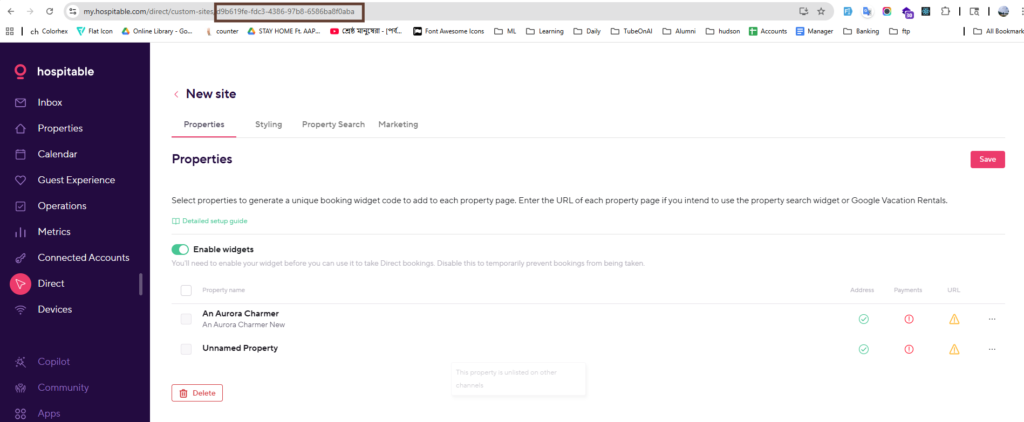
- Log in to your Hospitable account.
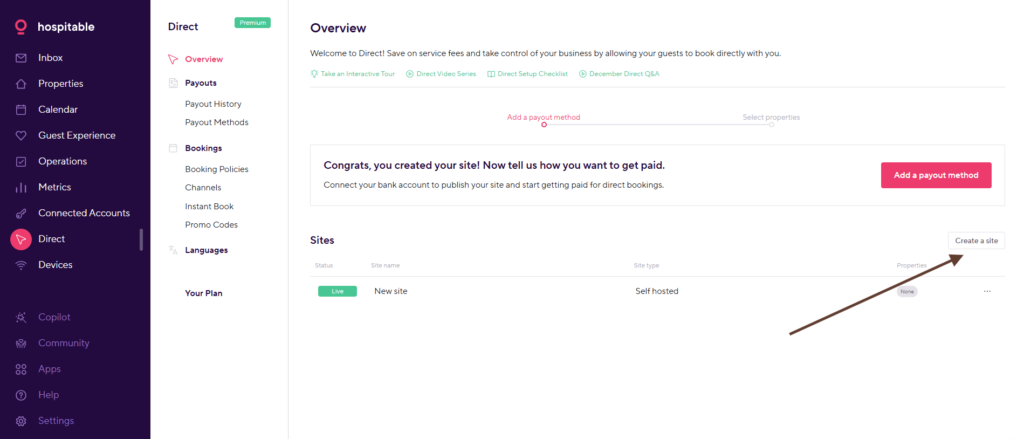
- Navigate to: https://my.hospitable.com/direct
- Click the Create Site button.
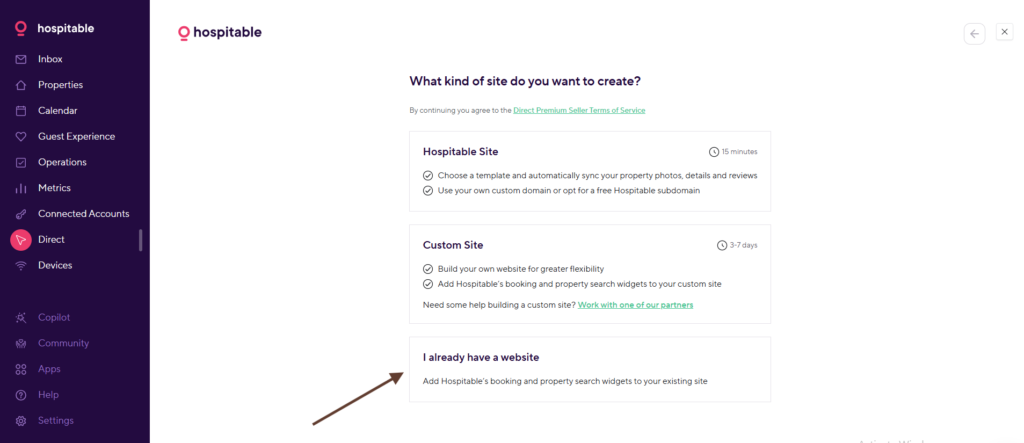
4. Select I already have an account.
5. You will be redirected to your site dashboard. Copy the Site ID from the URL in your browser’s address bar.