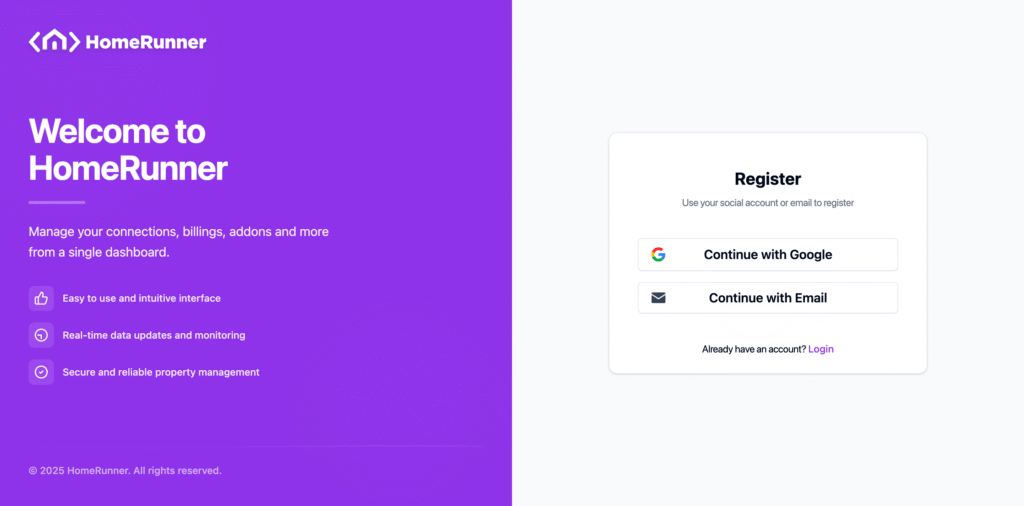
To get a new Homerunner account, navigate to register account. You will get below page. If you wanna register real quick, click on “Continue with Google” and register using your gmail account. Otherwise continue with email.
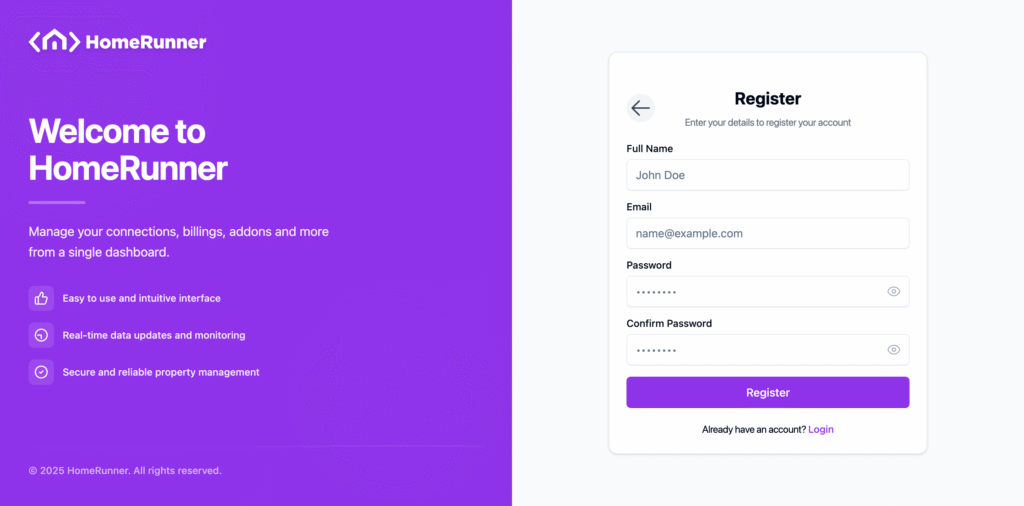
After continuing with email, you get below page asking for full name, email and password. All the fields are required. Fill those up and click on “Register”.
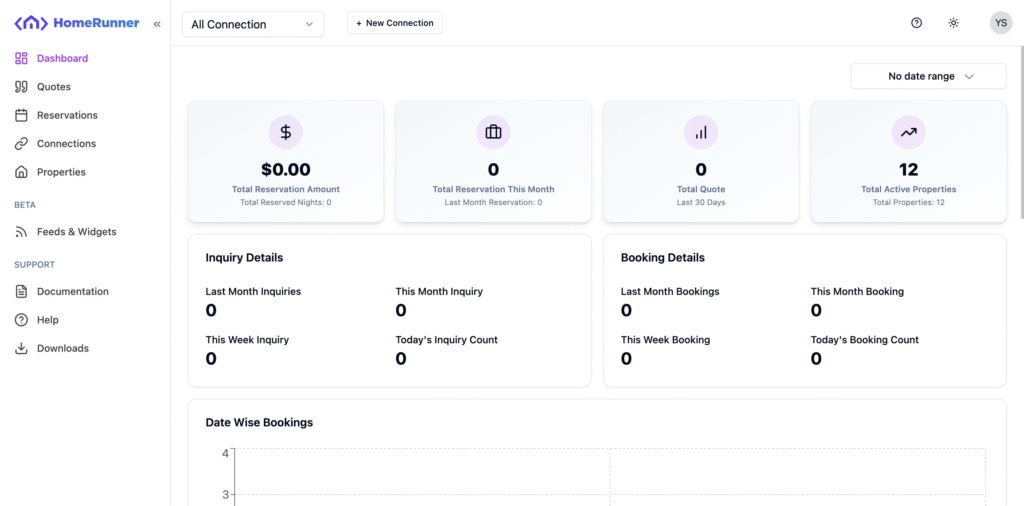
After a successful registration, you will be redirected to your dashboard directly like below. You will be asked to verify your email only when you want to add new PMS connection.