
To add new PMS connection, click on “New connection” button from the top navigation bar or navigate to Connections -> Add Connection.
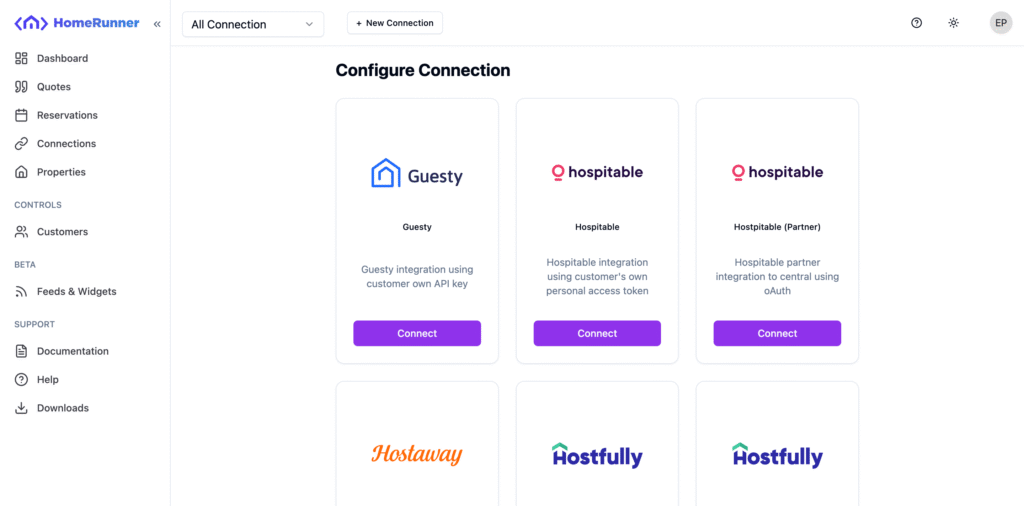
On the Configure Connection screen, find your preferred PMS and click on connect. To this tutorial, we are selecting Guesty.
After selecting a PMS, you will see some fields segmented into three tabs. General, Credentials and Settings. General fields are same for all PMS, where Credentials and Settings fields may vary based on the selected PMS.
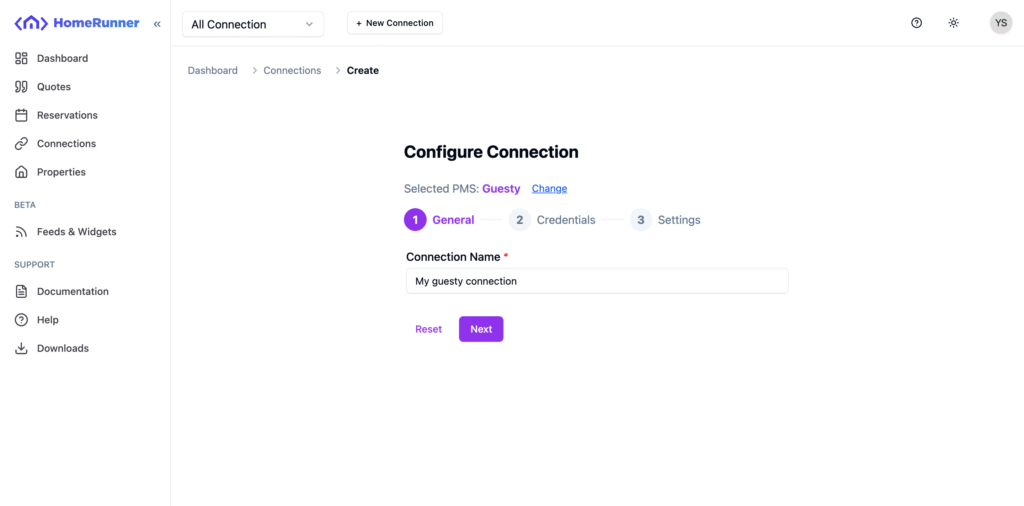
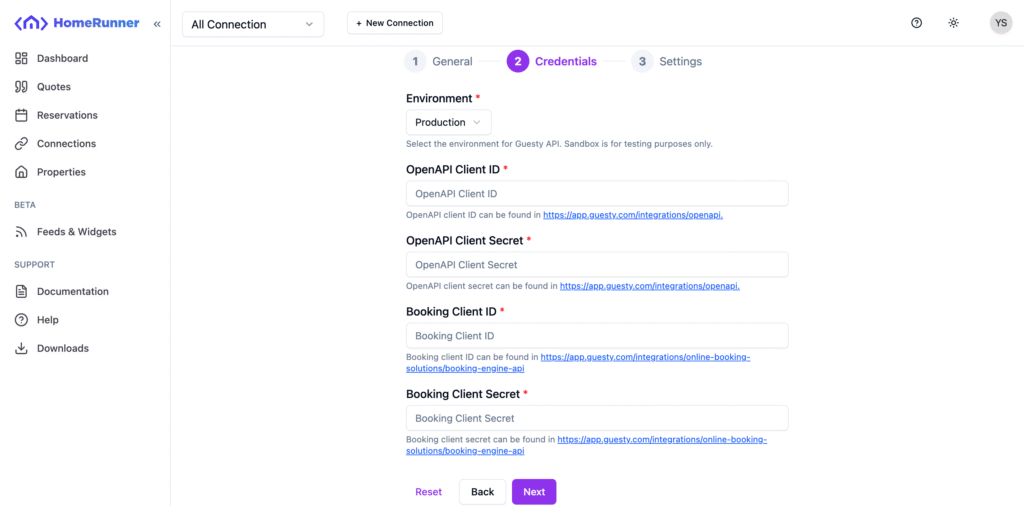
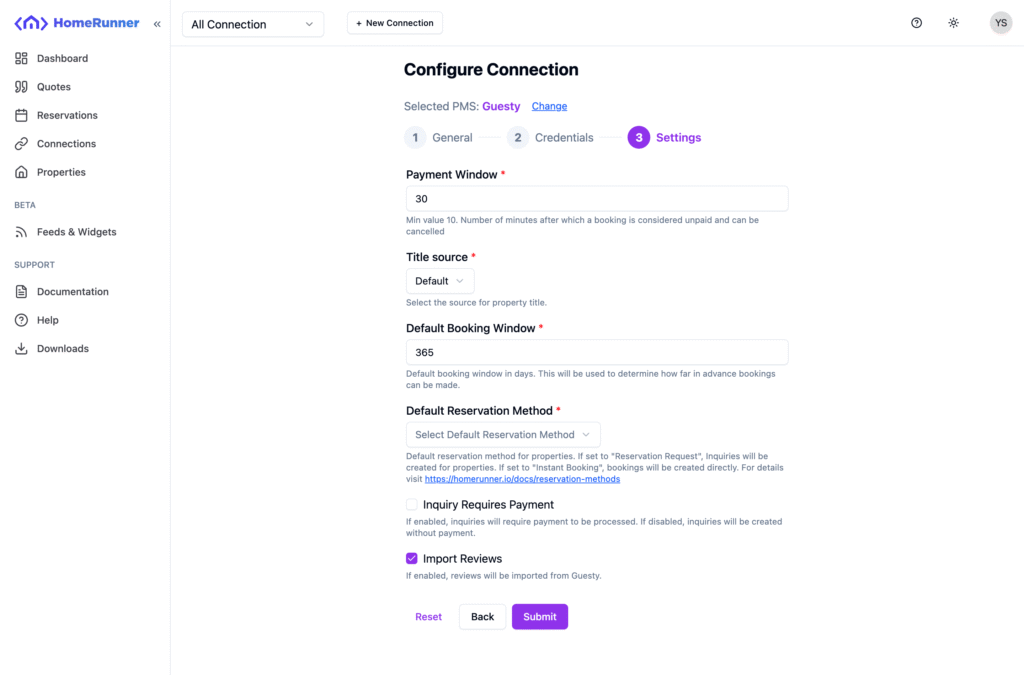
All the required fields are marked using red stearic (*) mark.
Credentials tab contains fields needed to connect with the PMS through API. And Settings fields is needed to setup property data sync and fields maping.
Fill those up and hit Submit. You will be redirected to the connection sync page after a successful connection creation.