Table of Contents
Step 1: New PMS Connection #
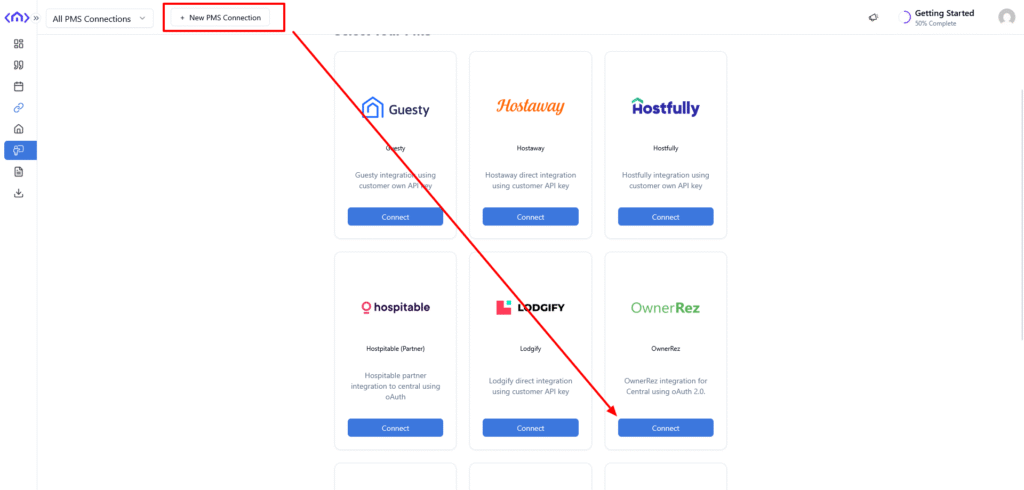
Click on New PMS Connection and chose OwnerRez.
Step 2: Configure Connection #
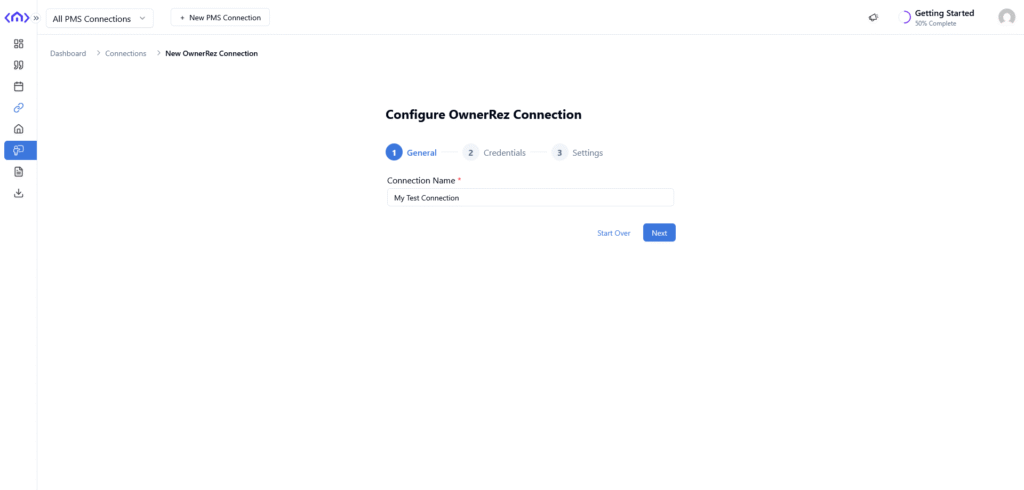
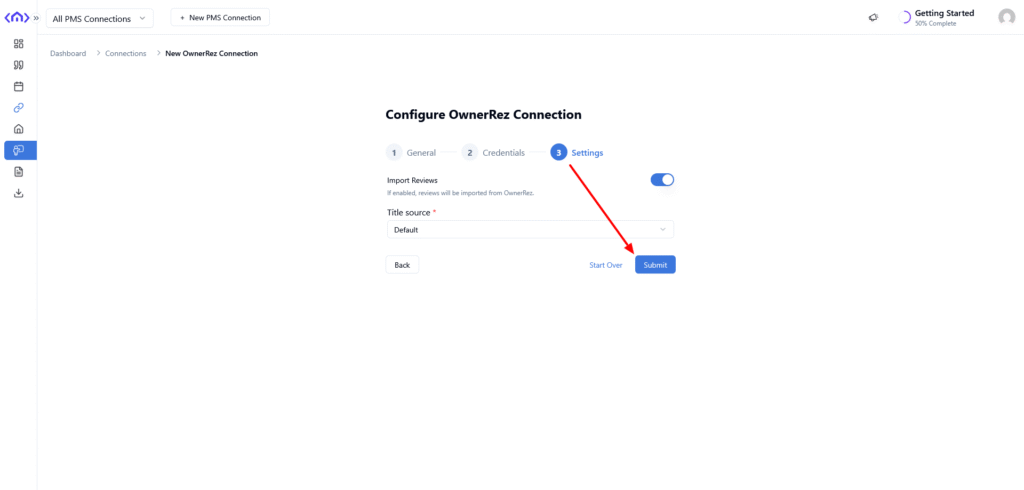
Add connection information, such as Connection Name and click Submit on the last step.
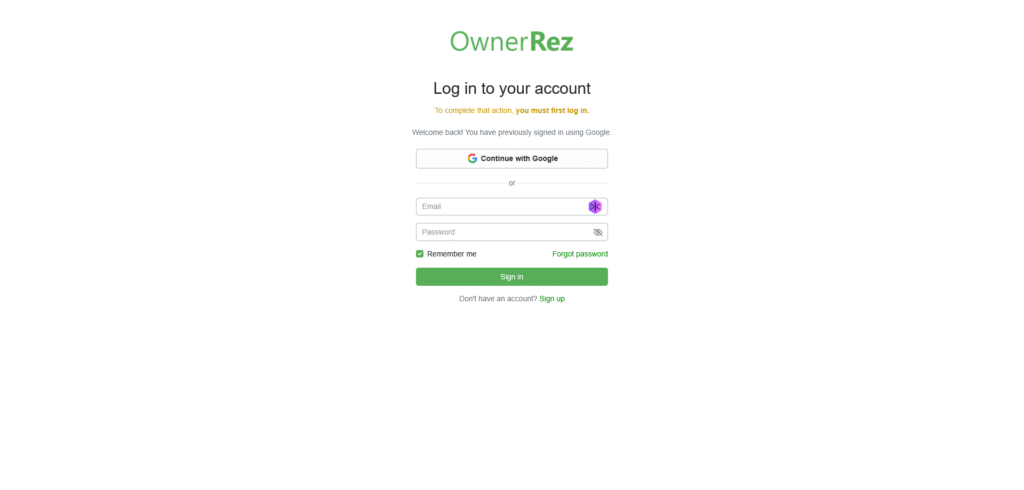
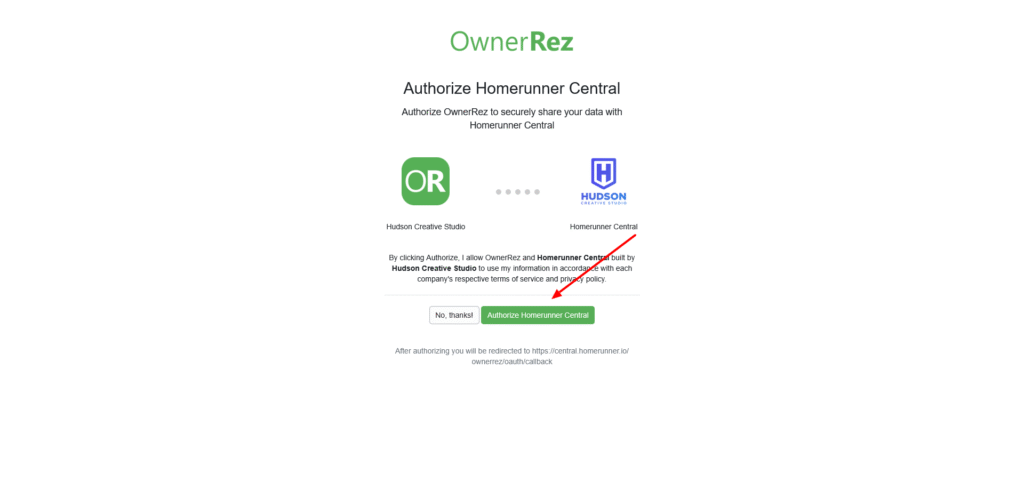
Step 3: Authorize #
You will be redirected to OwnerRez site for Authorization. Login to your OwnerRez account and connect Hudson Creative Studio to your access.
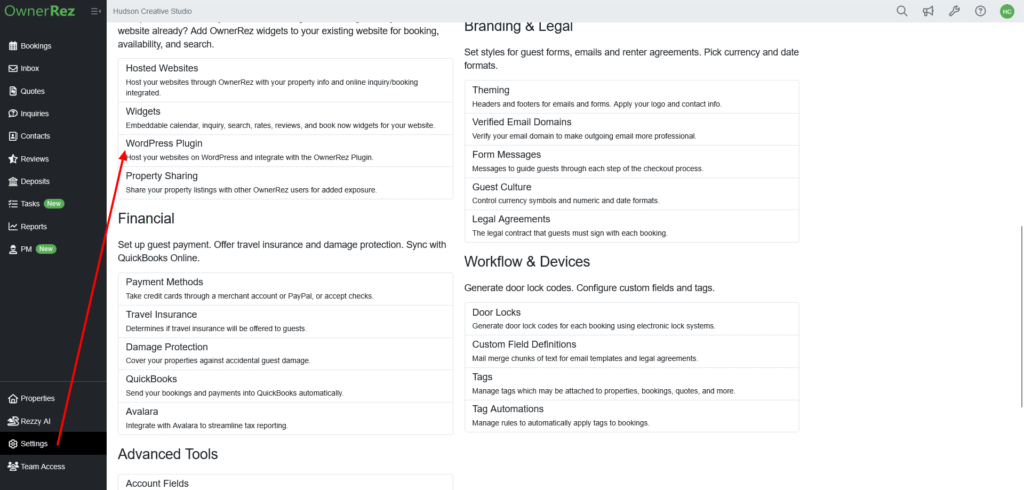
Step 4: Enable WordPress Feature on OwnerRez #
Go to OwnerRez > Setting > WordPress Plugin settings and enable WordPress Plugin + Integrated Websites feature.
Step 5: Run Sync #
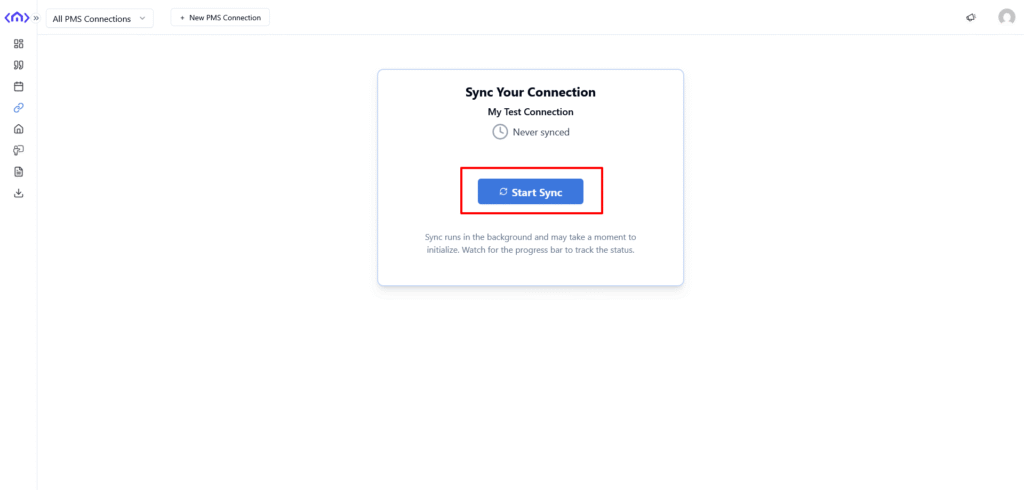
Run a sync to bring property data from OwnerRez to our system.